
Sevier County VINE Coverage
Start with the Sheriff's roster itself. Each visible entry carries a "Notify Me of Status Change" button. The button opens a VINELink person-detail route. That is a real roster-to-VINE handoff. Its reach has limits. Juvenile records, sealed matters, immigration holds, and some releases fall outside what the roster displays. Tennessee's service is Tennessee VINE, also called TN SAVIN, run through VINELink. The Department of Correction advises users to select Tennessee and search by name or TDOC number. Open the record details, then choose "Get Notified." County jail and TDOC records differ in custody scope. The official VINELink search works as a neutral entry point.
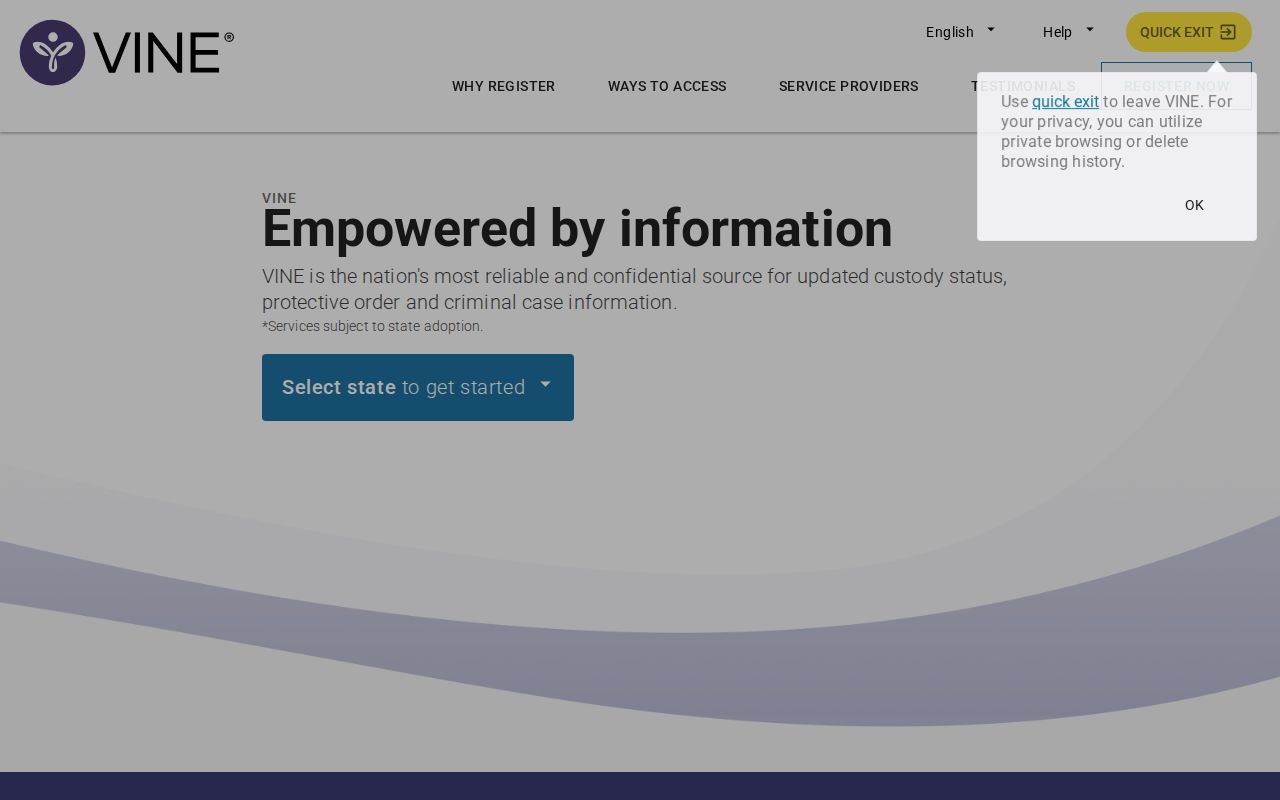
Pick Tennessee first, and keep anyone else's alert PIN or private contact details to yourself.
Check a Sevier Arrest on VINE
The roster handoff removes guesswork. Starting at VINELink instead means entering enough identity detail to separate people who share a name. Interfaces and available fields shift with the reporting agency.
- Open the Sevier County roster or VINELink.
- At VINELink, choose Tennessee as the state.
- Search with the person's name or available identifier; TDOC searches may use a TDOC number.
- Review all matches and compare custody location, identifier, and status.
- Open record details before selecting a notification option.
- Use the jail or records line when a fresh or expected record is absent.
A photo is optional here. VINE may not show one at all. Booking-photo sources and the records-request fallback live on the Sevier County arrest hub, and a common name alone is never enough to pick a match.
What Sevier VINELink Shows
VINE centers on custody and notification. A result can list identifying data, an offender or vendor ID, current status, facility, and ways to receive notice. Exact fields depend on the source record.
| VINE item | How to use it |
|---|---|
| Name and identifier | Compare the correct record and preserve a useful reference |
| Custody status | Read the status reported by the participating agency |
| Facility or location | Identify the reporting custody site |
| Record details | Review available information before registration |
| Get Notified | Open phone, text, email, or TTY options where offered |
| Status event | Possible release, transfer, escape, work release, or other reported change |
Status updates can trail the event itself. VINE is not an emergency line. Call 911 for danger, the jail for urgent custody questions, and the court clerk for case details.
Register for Sevier Custody Alerts
Tennessee describes the service as free and confidential. Delivery can arrive by phone, text, email, or TTY. Registration binds to one person record and notice type, so confirm the match before sharing contact details.
- Open the matching record and choose “Get Notified.”
- Select the available notice types and delivery method.
- Enter the phone number, email address, or TTY information requested by the interface.
- Create a four-digit PIN when prompted for phone notification verification.
- Submit the registration and keep the PIN private.
- Save the offender name or number and the agency contact as a backup.
Tennessee VINE's live operator line is 888-868-4631. TDOC describes it as staffed around the clock for service help that cannot replace the jail, the courts, or emergency responders. The current VINELink interface carries the search and notification workflow.
Enter contact details only inside the official interface. Never post a PIN in a screenshot or message.
Roster to VINELink Handoff
Start with the roster's single search field. Compare the inmate ID and booked date. On the matching entry, hit "Notify Me of Status Change." That action can carry a vendor identifier into the VINE workflow. Released entries vanish from the roster. Once that happens, the direct link gets harder to reach. Search VINELink on its own. You can also call the Sheriff's Office or request the booking record. A missing result proves nothing. Records can be processing, out of scope, withheld, sealed, transferred, or indexed differently. Note: The official roster integration supports a county-specific handoff, though the county publishes no public coverage matrix or feed service level.
Fresh Sevier Booking Delays
A VINE check alone will miss the person arrested minutes ago. Intake is a slow process. It covers data entry, fingerprinting, property logging, database checks, and photography. The official ISOMS 24-hour feed publishes no refresh interval. Neither does VINE list a Sevier-specific delay. For new intake and release activity, the Arrested Today view comes first, followed by the current roster. If the event still fails to appear, call the Sheriff's main line at 865-453-4668 with the name, approximate time, and arresting agency. Register once the correct VINE record exists.
Never wait on an alert in an emergency. VINE is informational and can lag, so call 911 or the responsible agency as the situation demands.
County VINE Versus TDOC
The Sheriff's roster tracks county jail custody. TDOC FOIL and Tennessee VINE materials also cover felony offenders held or supervised by the state. A fresh Sevier County Jail booking may carry no TDOC profile at all. That record can change after a state sentence.
| System | Primary question |
|---|---|
| Sevier roster | Is a visible person currently held by the county? |
| ISOMS | Was there recent county intake or release activity? |
| VINELink | What custody status or notice options are reported? |
| TDOC FOIL | Is there a state felony custody or supervision profile? |
| Court clerk | What happened to the charge? |
A TDOC profile can include a state photo and sentence data. That photo is not the county booking photo. Each comes from a different point in the process.
VINE Alert Types and PINs
Tennessee's VINE notifications cover more than release. A transfer or an escape can trigger an alert. So can work release and other custody changes. Options vary by record and delivery method, so read the choices during registration instead of assuming a fixed menu. The four-digit PIN exists for one job: confirming you received an automated phone call. It is not an offender ID. Guard it. Pick digits a stranger would not guess. Update your contact details inside the service whenever they change. Email and text registrations handle confirmation their own way. For the official steps, the TDOC Victim Services page lays out Tennessee's VINE instructions, including the operator number and search walkthrough.
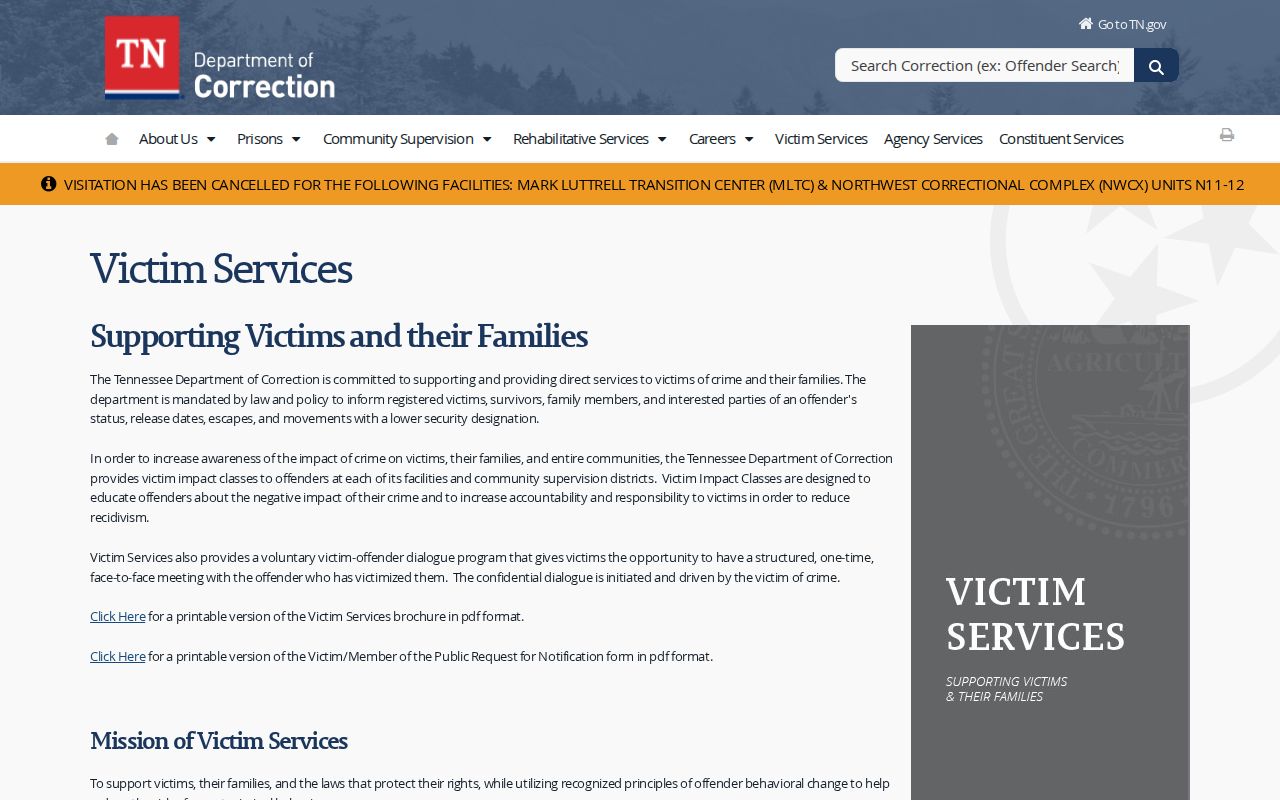
The state guidance handles the operator number and search steps. Sevier County's roster handles the local handoff of the person's record.
Limits of a VINE Arrest Check
VINELink has firm boundaries. It is not a warrant search, criminal-history archive, booking-photo gallery, or court docket, and federal coverage is never guaranteed. For federal sentenced custody, use the BOP locator. For qualifying immigration custody, use the ICE detainee locator. An ISOMS immigration label on a local record does not establish ICE status.
VINE data comes from participating agencies and shifts over time. A release alert does not mean charges went away. A transfer alert stays silent about the reason. Verify anything weighty with the reporting jail or department, and keep the Sheriff's number plus the offender identifier alongside your registration. No automated service can rule out delayed or missed delivery. Where personal safety is at stake, lean on law enforcement and a safety plan rather than a message alone.
Charges Remain Accusations
VINE answers one narrow question. Was a custody status reported? Sevier County General Sessions or Circuit Court records carry the later proceedings and outcomes.
The court file tells the rest of the story. VINE tracks custody, nothing more.
Start with the Tennessee AOC clerk directory for the court record. General Sessions is the right first call for a new misdemeanor, warrant, or felony preliminary matter. Ask the clerk which docket holds the case and how to get a certified outcome.